

CloudBase provides an all-in-one backend service with a built-in database, user authentication, cloud functions, static hosting and more. New users can activate it for free.
What is CloudBase MCP?
CloudBase MCP plugs into popular AI development tools such as Cursor and CodeBuddy. You can build and deploy applications using plain natural language, going from idea to production fast.
What's new in this upgrade
Upgrade 1: Stronger MySQL and document database support
- Added support for MySQL databases
- Made document-database code generation more stable
This lets you run the full flow inside your AI IDE — data modeling, database operations, and CRUD code generation.
Upgrade 2: Stronger authentication
- Added phone-number verification code and email verification code sign-in
- Made mini-program auth code generation more stable
Wiring up Web / mini-program authentication through your AI IDE is now much smoother.
Upgrade 3: Better page design
- Adopted professional front-end design principles, so the output actually looks good
- Streamlined how design specs are produced
CloudBase MCP ships with professional design guidelines built in, so what your AI IDE generates looks genuinely polished — not obviously "AI-made".
Try CloudBase MCP now
One line of config and you're ready to go. In any MCP-capable AI IDE (Cursor, WindSurf, CodeBuddy, etc.), just add:
```json
{
  "mcpServers": {
```js
    "cloudbase": {
      "command": "npx",
      "args": ["@cloudbase/cloudbase-mcp@latest"]
    }
} }
Want the config for your client? Remote takes one URL, local runs an npx process:
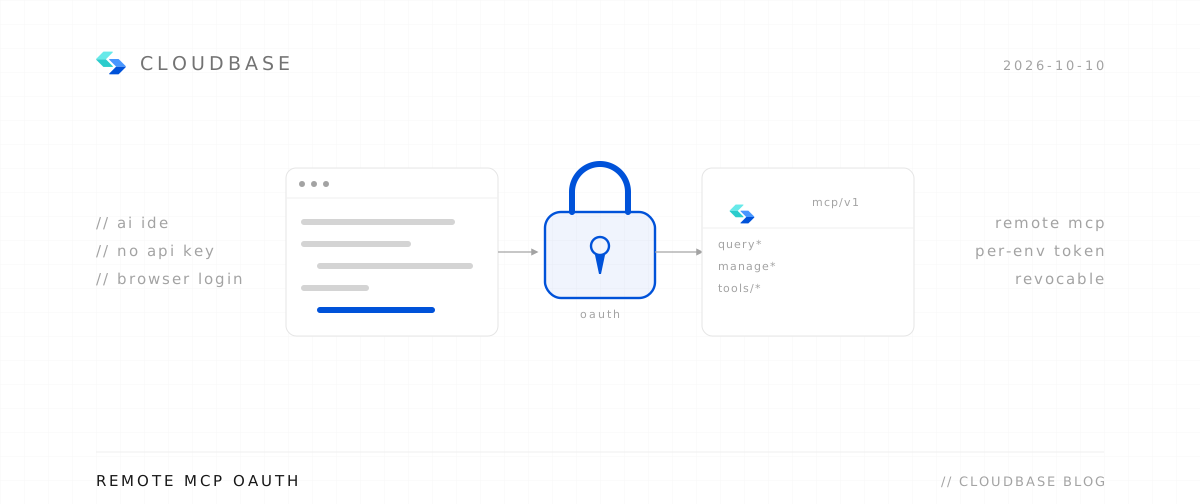
Remote needs only a URL — your client walks you through browser authorization, so no keys land in config files.
Configure your AI tool to connect with CloudBase capabilities. Supports local and remote connection. See connection modes.
Step 1: Install / Configure CloudBase
Install in one click:
 Add to Cursor
Or manual configuration:
Or add this configuration to .cursor/mcp.json:
1{2 "mcpServers": {3 "cloudbase": {4 "type": "http",5 "url": "https://tcb-api.cloud.tencent.com/mcp/v1"6 }7 }8}Step 2: Chat with AI
Enter the following in your AI chat in order:
Read https://docs.cloudbase.net/skill.md and tell me what it can doUse CloudBase Skills: 在 Android 应用中使用 CloudBase HTTP API 实现用户登录功能Links
- GitHub: https://github.com/TencentCloudBase/CloudBase-AI-ToolKit
- Full documentation: https://docs.cloudbase.net/ai/cloudbase-ai-toolkit/
Tip: it works with 15+ mainstream AI IDEs, including CodeBuddy.