

Follow this guide to inject the power of Tencent CloudBase into Gemini CLI. Once set up, you can use Gemini CLI to work with CloudBase's development, deployment, and operations resources.
Step 1: Install and prepare Gemini CLI
Make sure Node.js 18+ is installed, then install Gemini CLI globally:
npm install -g @google/gemini-cli
Step 2: Install the CloudBase AI Toolkit
gemini extensions install https://github.com/TencentCloudBase/CloudBase-AI-ToolKit
Next, tell the AI: "Log in to CloudBase."
Pick one of the options Gemini CLI offers (1, 2 or 3) and press Enter to continue. A CloudBase console page will open in your browser — confirm the authorization and select your environment there.
Step 3: Use the CloudBase extension (example prompt)
You can say to the AI:
"Build an online polling system that supports creating polls, voting, and result statistics. Use a cloud database for storage, and deploy it when done."
That completes the full loop — using Gemini CLI to call the CloudBase AI Toolkit MCP to develop and deploy an application.
There is a shorter path now: remote mode takes a single URL, and local mode runs an npx process. Pick your client for the config:
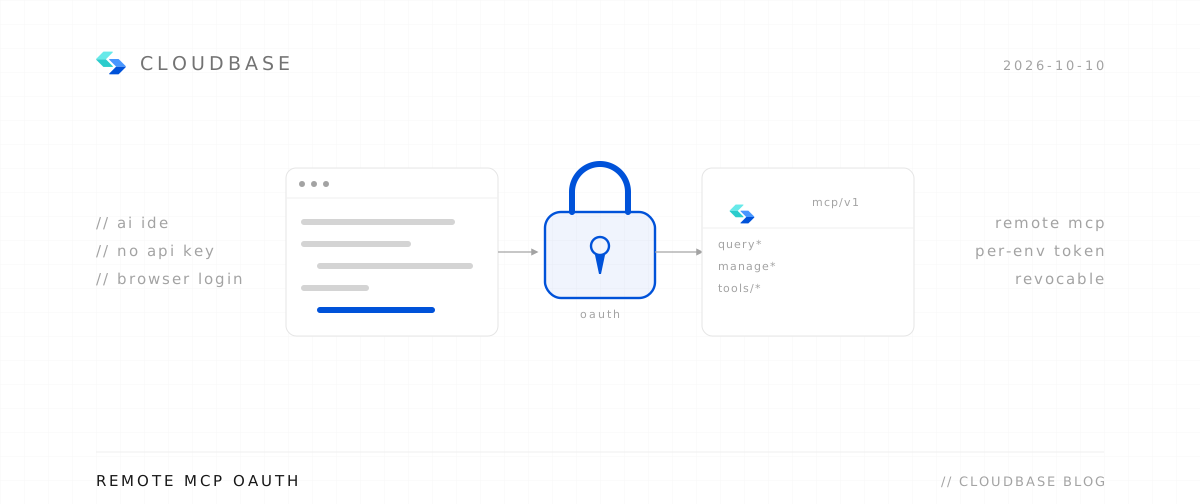
Remote needs only a URL — your client walks you through browser authorization, so no keys land in config files.
Configure your AI tool to connect with CloudBase capabilities. Supports local and remote connection. See connection modes.
Step 1: Install / Configure CloudBase
Or add this configuration to .gemini/settings.json:
1{2 "mcpServers": {3 "cloudbase": {4 "type": "http",5 "url": "https://tcb-api.cloud.tencent.com/mcp/v1"6 }7 }8}Step 2: Chat with AI
Enter the following in your AI chat in order:
Read https://docs.cloudbase.net/skill.md and tell me what it can doUse CloudBase Skills: 带云函数+云数据库的最小 demo,但只要 CRUD 能预览就行